

Managing unsubscribes
A Contact’s Subscribed status is a global setting that enables or disables sending Broadcasts. When you include Resend’s unsubscribe link placeholder in your Broadcasts or Automations, Resend will automatically handle your Contact’s unsubscribe flow for you and ensure that your Contact subscription statuses are up to date. However, unsubscribed Contacts will not be removed from your account. Manually or programmatically deleting Contacts who no longer want to receive your emails is a key part of maintaining audience hygiene and keeping your Contact list clean, valid, and engaged. It’s essential to update your Contact list when someone unsubscribes to maintain a good sender reputation. Benefits of managing your unsubscribe list:- reduces the likelihood of your emails being marked as spam
- improves deliverability for any other marketing or transactional emails you send
Subscription Statuses
The Contacts Dashboard view shows the global subscription status of each Contact. This status determines whether or not Resend will send email to the Contact.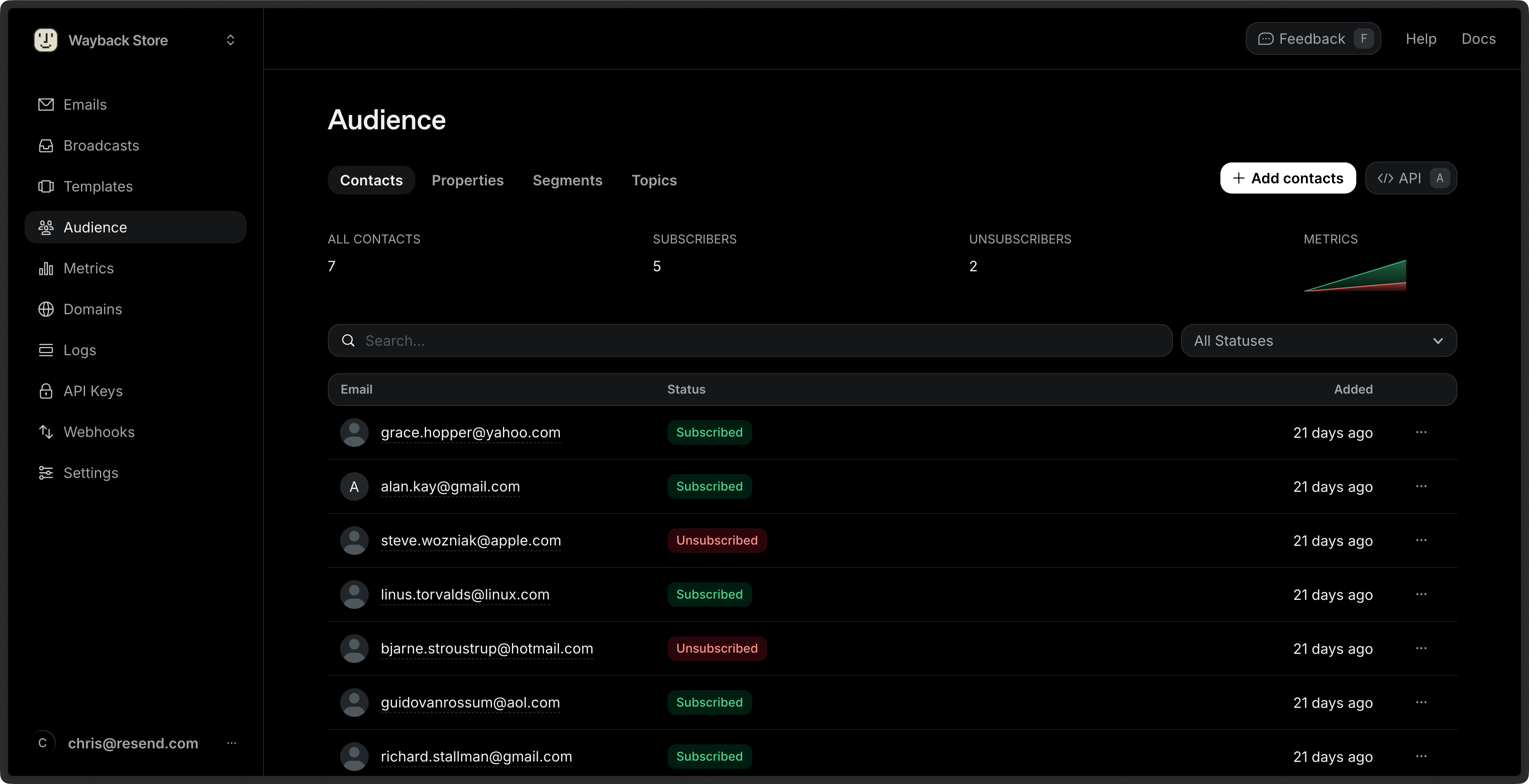
- Subscribed: The Contact will receive Broadcasts sent to any Segment they belong to, and to any Topics they are subscribed to.
- Unsubscribed: The Contact will not receive any emails from your account, even if they are subscribed to individual Topics.
Delete unsubscribed Contacts
To delete your unsubscribed Contacts using the Dashboard:1
View your list of Contacts
Navigate to the Contacts Dashboard view.
2
Filter by unsubscribed status
Click on the All subscriptions filter next to the search bar, then
select Unsubscribed.
3
Bulk delete
Select all Contacts then click the Delete button in the bulk actions
bar.